Writing
Building a Lifelong Executive MBA Guide
July 3, 2026
About the Program
The Olin Business School Executive MBA at Washington University in St. Louis is a 20-month cohort-based program designed for working professionals. It covers the full range of business disciplines (strategy, finance, operations, marketing, economics, accounting, leadership, and more) across roughly 25 courses. Students come in with deep professional experience and go through the program together as a cohort, which makes the peer learning component just as valuable as the curriculum itself.
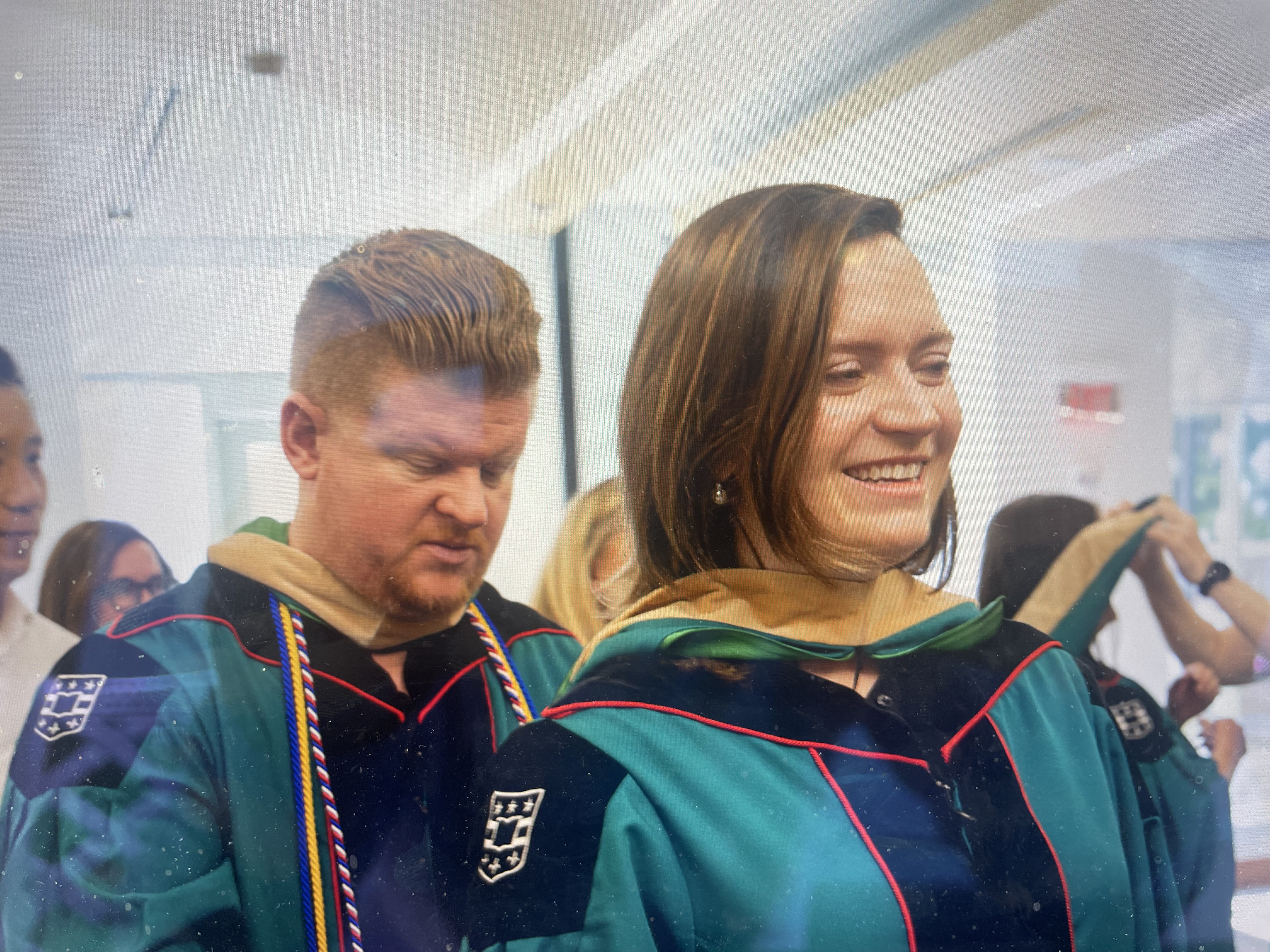
I'm part of EMBA 60, the 60th cohort to go through the program who graduated in April 2026.
How I Used AI as a Study Tool & A Reference Tool Post-Graduation
I read ALMOST everything assigned for class. I want to be upfront about that, because I think the reading and case prep is where most of the actual learning happens, you can't shortcut your way to understanding a framework by skipping the source material that teaches you when and why to use it.
That said, AI is genuinely excellent at one specific thing: making a quick reference back to something you already know. If you've done the work, having a well-organized summary you can query conversationally is a massive time-saver before exams, during case prep, when you're trying to connect ideas across courses, and especially when are you applying learnings to actual situations at work. Obviously, this same approach can be applied to any other courses or training where you have a lot of material to synthesize and recall.
Here's the workflow I used:
- Stored everything in organized folders: lecture slides (
.pptx), PDFs, readings, and my own personal notes and case prep write-ups, organized by course. - Had Claude systematically go through each folder and generate a consolidated readout per course: key frameworks, cases studied, required readings, analytical reminders, and course themes. These weren't replacements for the source material; they were structured summaries built from it.
- Combined all course readouts into a single overview document and shared it with my cohort as a resource.
- Set up a Claude Project that references the overview readout and uses a custom system prompt to behave as an ongoing assistant, so I can ask questions across all coursework in plain language and get cited, synthesized answers.
The result is something like a smart index to everything we covered, useful for quick review, cross-course synthesis, but not a substitute for having done the reading in the first place.
Set Up Your Own Study Assistant (10 minutes)
If you're in EMBA 60, here's how to get this working for yourself.
Step 1: Get the Readout Document
You need a single Word document that consolidates frameworks, cases, readings, and reminders across all courses.
Option A: Use the EMBA 60 Shared Readout from me (fastest)
File: EMBA_60_Complete_Readout.docx - covers all courses, ready to upload.
Option B: Build Your Own (more personal, ~2–4 hours)
If you want a version that includes your own notes, reflections, and case prep, you can build individual course readouts using Claude and then combine them. See the appendix below for instructions.
Step 2: Create a Claude Project
- Go to claude.ai/projects and click New Project
- Name it something like
EMBA 60 Knowledge Base - Click Add content → Upload files and upload
EMBA_60_Complete_Readout.docx - Click Set project instructions and paste in the system prompt from Step 3
- Click Save — done. Start a new conversation inside the Project to begin.
Tip: You can add files to the Project at any time — individual course readouts, your own notes, case prep docs. Claude will reference all of them together.
Step 3: Paste This System Prompt
Copy everything below into the "Project instructions" field:
You are a study assistant for an Olin Business School Executive MBA student.
You have access to consolidated readouts covering all courses in the program.

Your knowledge base includes: key frameworks and models, cases studied,
required readings, analytical reminders, and course overviews.

How to help:
- When asked about a concept or framework, explain it clearly and cite which
  course(s) it came from using labels like [Strategic Management]
- When asked to compare frameworks across courses, draw connections
- When asked 'what did we learn about X,' search across all courses and synthesize
- When asked to help study for an exam, pull the most relevant material
- When asked about a case, summarize the core questions and analytical angles
- Suggest related frameworks from other courses when relevant
- Lead with the direct answer, then add supporting detail
- Keep answers concise unless the user asks for depth

You do not have full source texts of cases or readings, only synthesized readouts.
If asked for something very specific, say so and offer the closest summary.
Example Questions to Try
Once your project is set up, here are some queries to get started:
Concept Review
- Explain the VRIO framework and give me an example of how to apply it.
- What is the difference between operational effectiveness and strategy according to Porter?
- Walk me through how to do a Five Forces analysis. What are the common mistakes?
- Explain WACC — what is it, how is it calculated, and when do I use it?
Cross-Course Synthesis
- Which courses covered competitive advantage? How did each approach it differently?
- How does game theory show up across our coursework?
- Connect what we learned about cost in Strategic Cost Accounting to pricing strategy in Managerial Economics.
- What frameworks did we learn for analyzing an acquisition?
Case Recall
- What was the Wal-Mart case about and what were the discussion questions?
- Remind me what we learned from the Cola Wars case.
- What was the Littlefield simulation and what were the key operations takeaways?
Tips for Better Results
- Be specific about which course or topic you're asking about when you know it — Claude will give a more targeted answer.
- Ask follow-up questions in the same conversation. Claude remembers context within a session.
- Ask for cross-course connections — the assistant is especially good at synthesis across the full program.
- If an answer seems too brief, say "go deeper" or "give me more detail on X." The default is concise.
- To start fresh on a new topic, start a new conversation inside the Project.
Appendix — Building Your Own Readouts
If you want personalized readouts that include your own notes and reflections, here's how to build them.
What you need:
- Claude for Desktop (Cowork mode)
- Your EMBA course folders — slides, PDFs, personal notes, case write-ups
- About 2–4 hours for a full 25-course set (or do it course by course)
The process:
- Connect your EMBA folder (where you should have one folder per course) to Claude (File → Select Folder)
- Tell Claude to go through each folder, read all the files and create a consolidated class readout with key themes, frameworks, cases studied, required readings, and key reminders. Save it as a Word doc in that folder.
- Ask Claude to build an overview doc: "Create one Word doc with an overview of all courses with hyperlinks to each full readout below"
- Upload the main doc to a Claude Project and add the system prompt from Step 3 (or point the project to your entire personal collection)
What Claude can read: PowerPoint slides (.pptx), PDFs, Word documents (.docx), and plain text files. It works best when your course materials include lecture slides and a course packet PDF.